 Crucible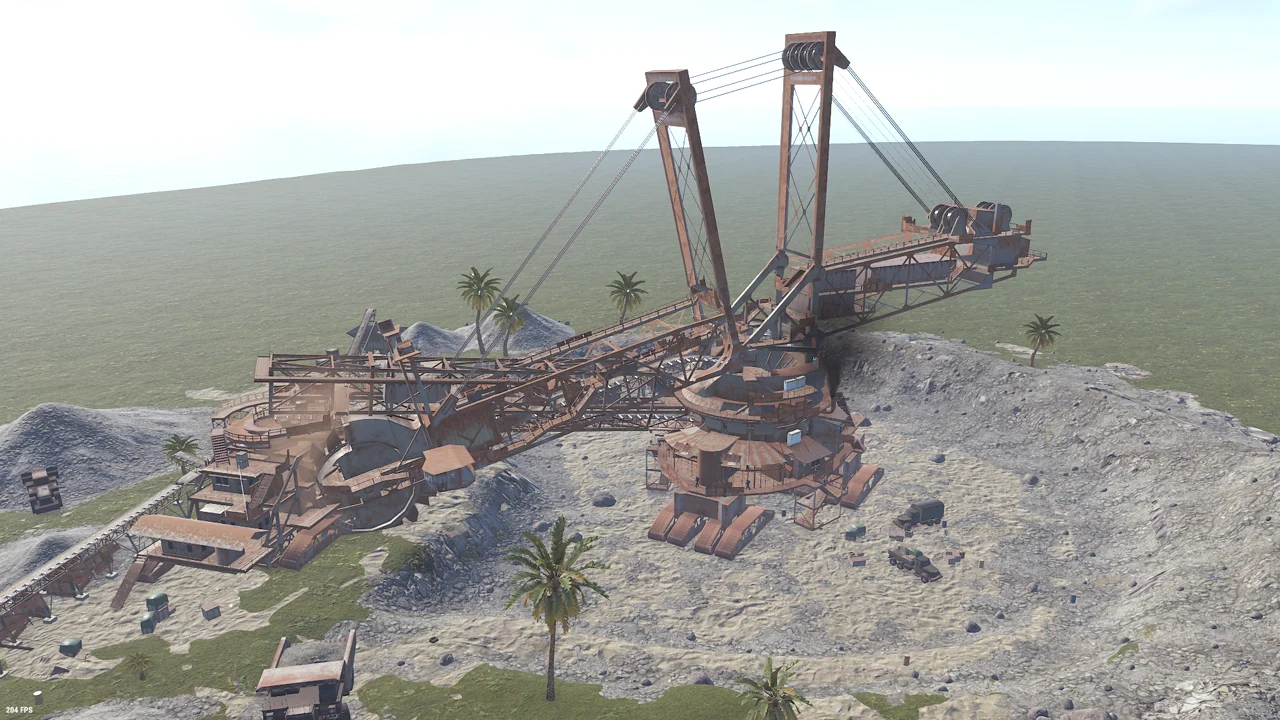
Plugin
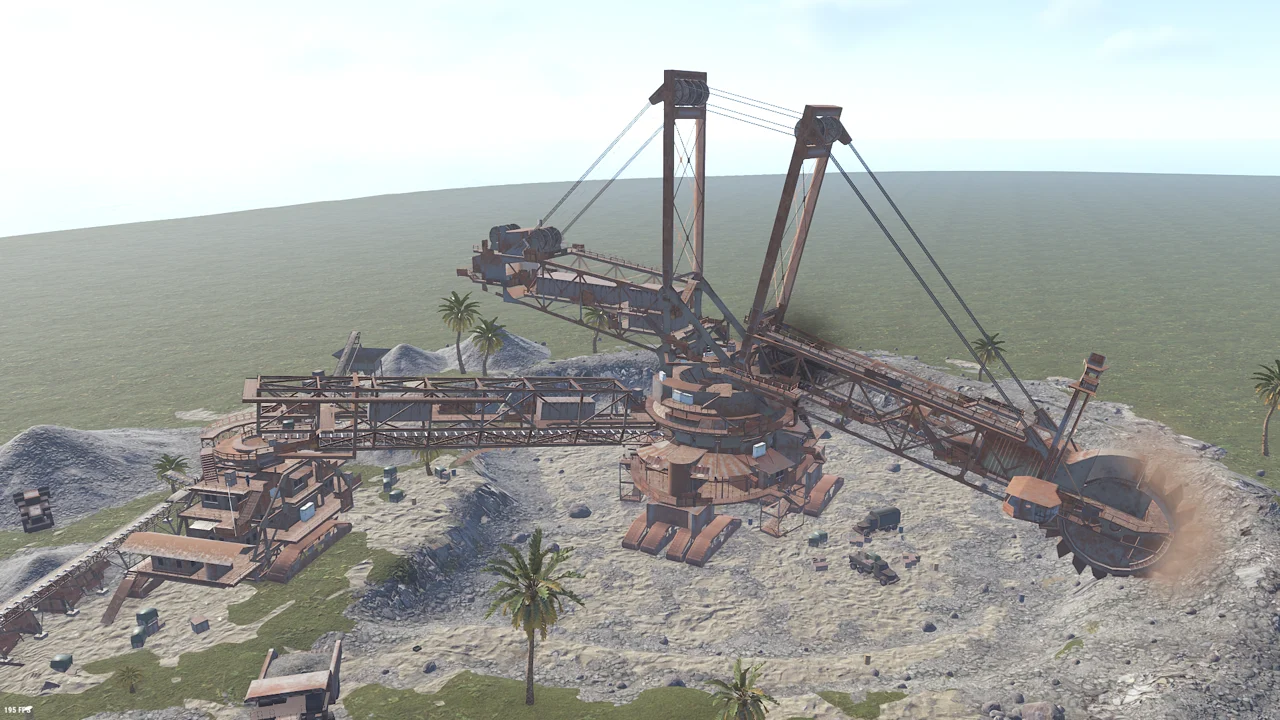
Excavator Arm Fix
Move or rotate the Giant Excavator on your map and its arm ends up in the wrong place, pointing away from the pit. This puts it back. By bmgjet, shipped unchanged.
Launcher › Shop › Plugins
Custom RustEdit prefabs, server plugin fixes, a finished custom Rust map and a build order cheatsheet. Download these free assets in the Crucible Launcher.
Server side fixes for the two things custom maps break most. Both need Carbon or Oxide.
Move or rotate the Giant Excavator on your map and its arm ends up in the wrong place, pointing away from the pit. This puts it back. By bmgjet, shipped unchanged.
Two fixes for doors placed in RustEdit. Spamming one no longer cancels its animation, and the invisible wall beside a closed door is gone. Player built doors are left alone.
Drop them into your CustomPrefabs folder and place them like any other prefab. Each one downloads as a zip with its prefab file and image together.
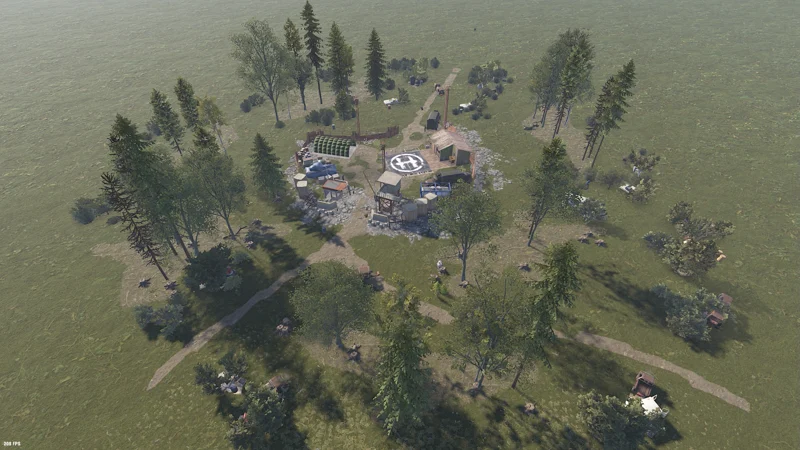
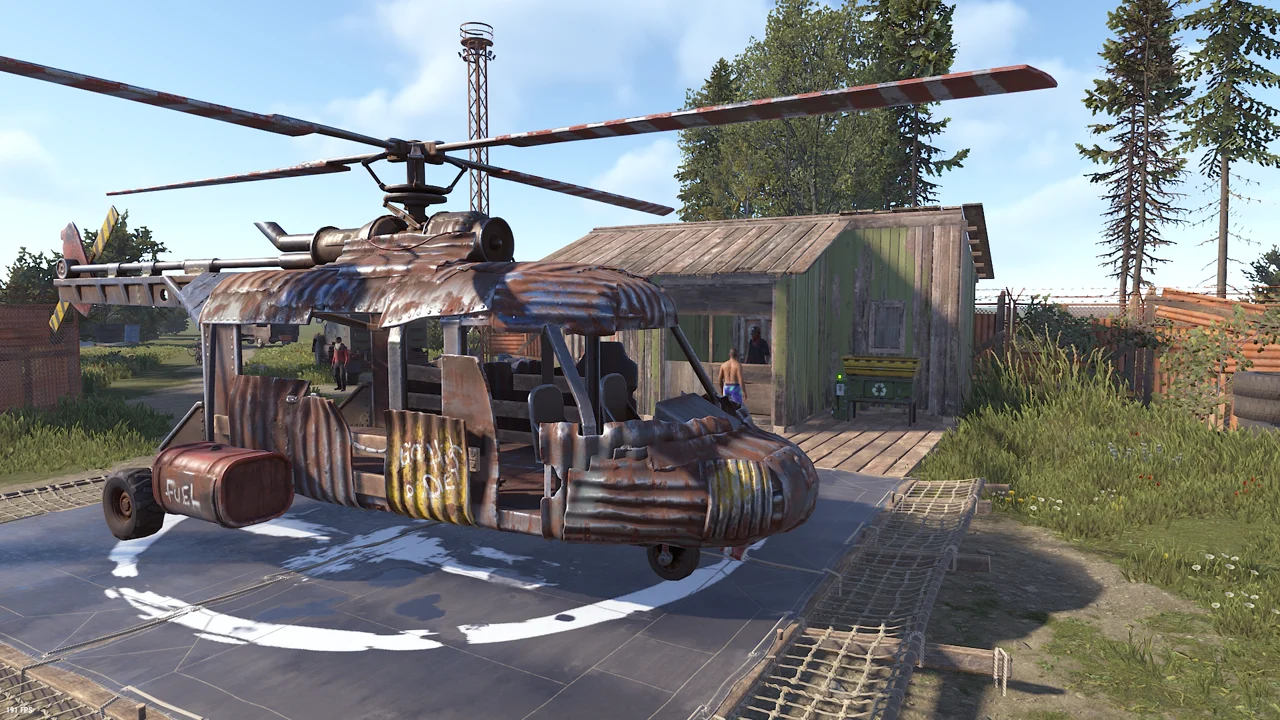
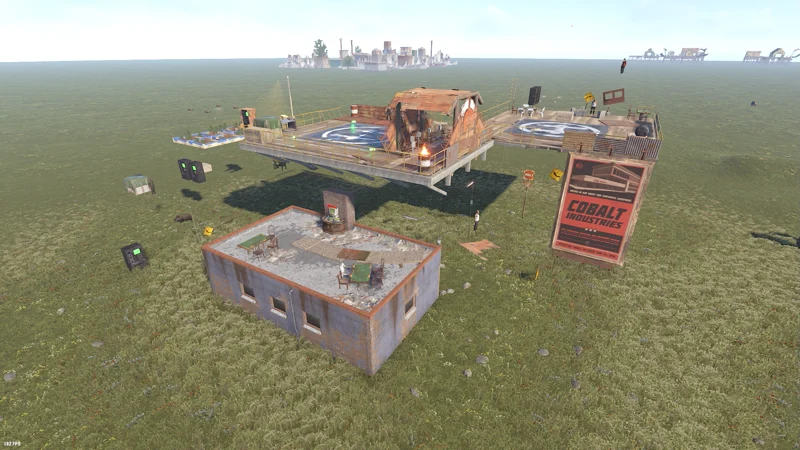
A custom monument for the Airwolf helicopter vendor, with loot crates and a safe zone. Put one anywhere you want players buying a minicopter.
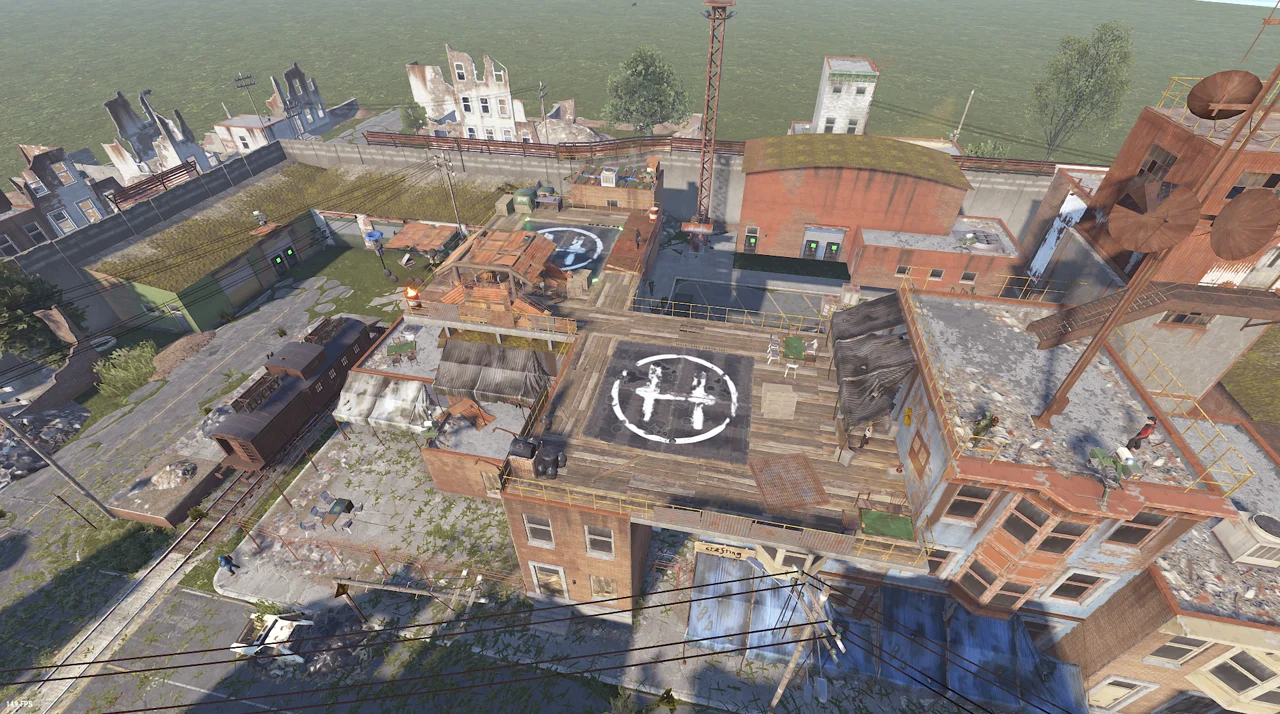
The Bandit Camp vendors combined into Outpost, so it is all one stop. Useful when you want the trading in one safe zone instead of two monuments eating map space.
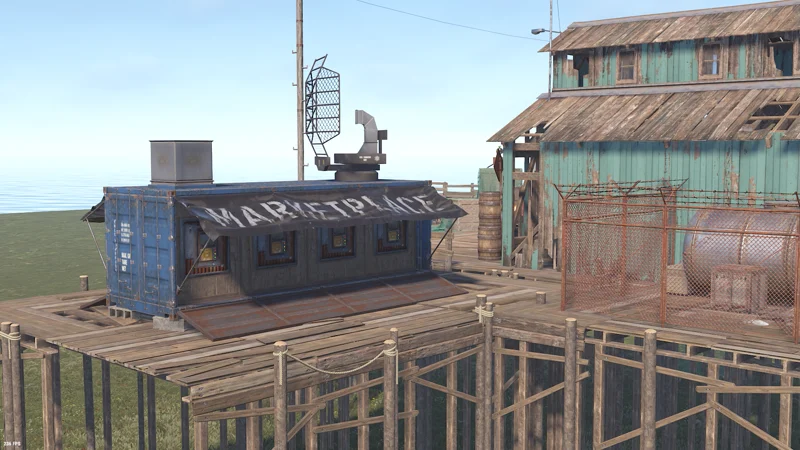
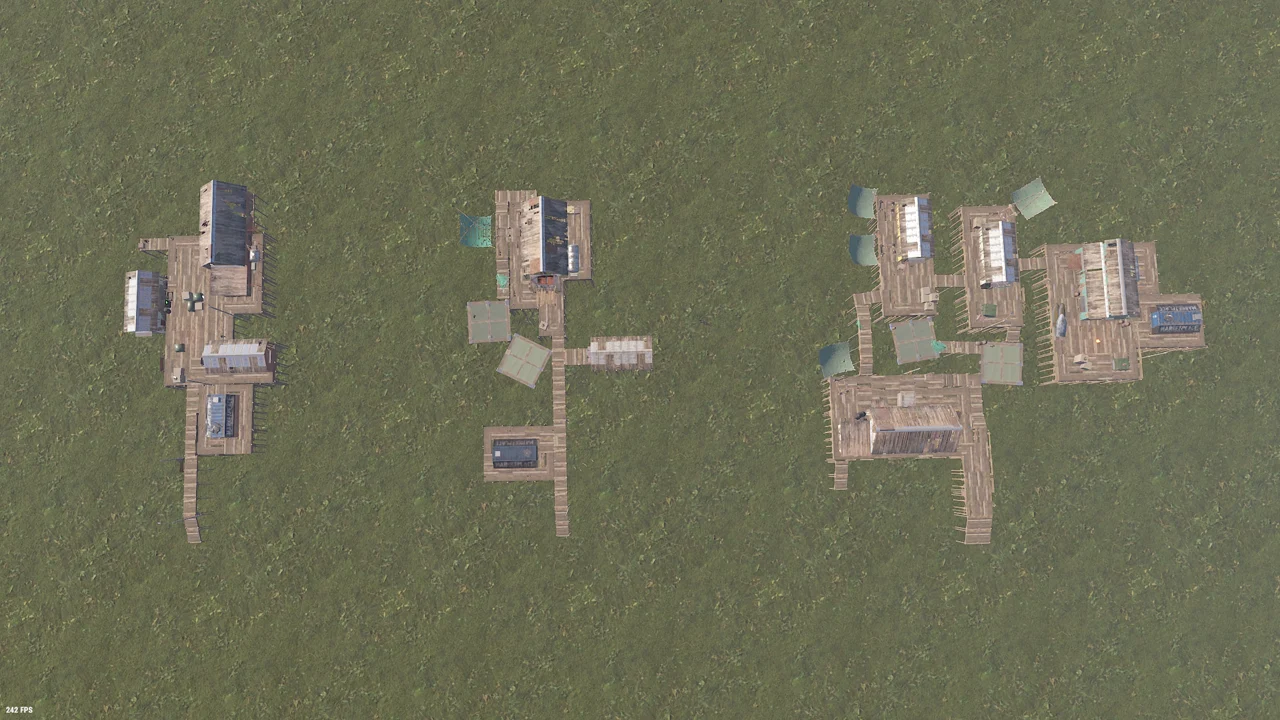
The drone marketplace on wooden decking. Built to sit on a fishing village, but it goes anywhere.
A finished map you can run as it is or open up and pull apart, and the checklist for building your own.
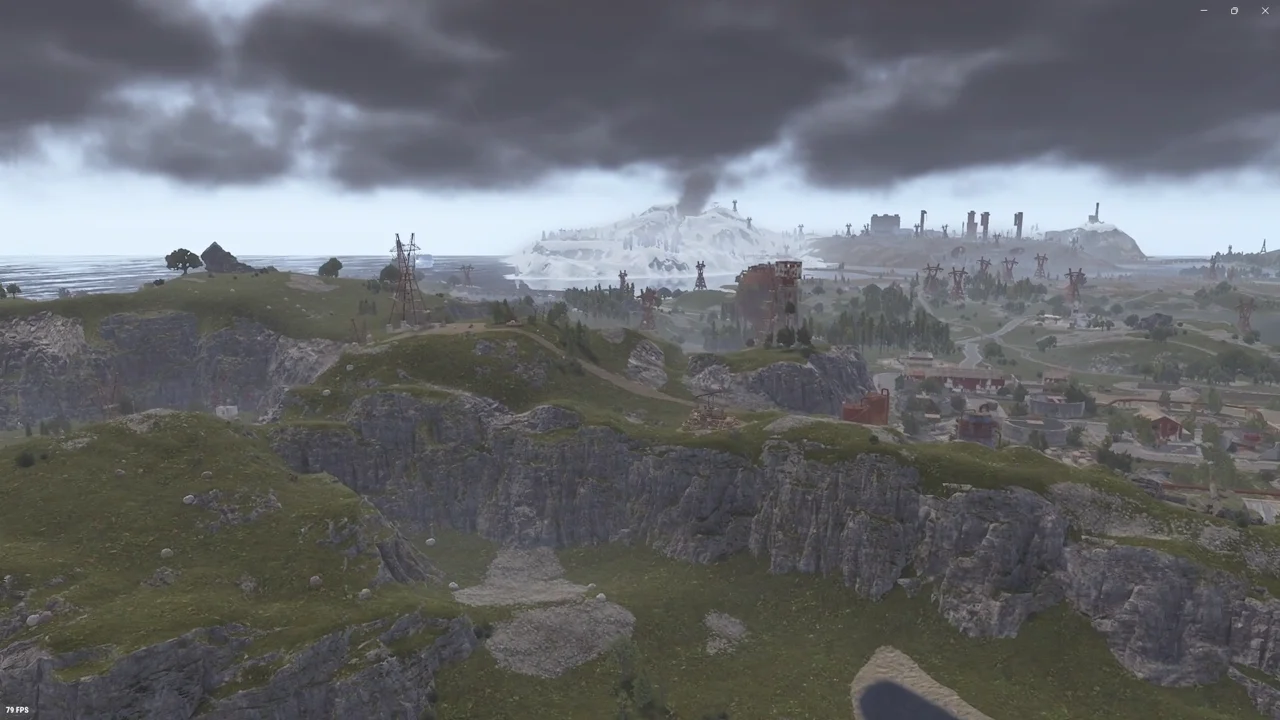
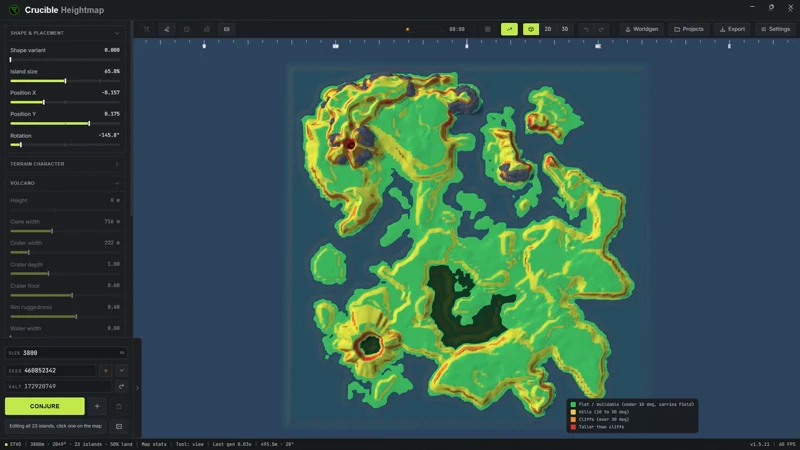
A volcanic map Drizzza made with Crucible Heightmap, free to use, so you can see for yourself what a full map looks like. The Crucible Heightmap project is included, so you can open the terrain it came from.
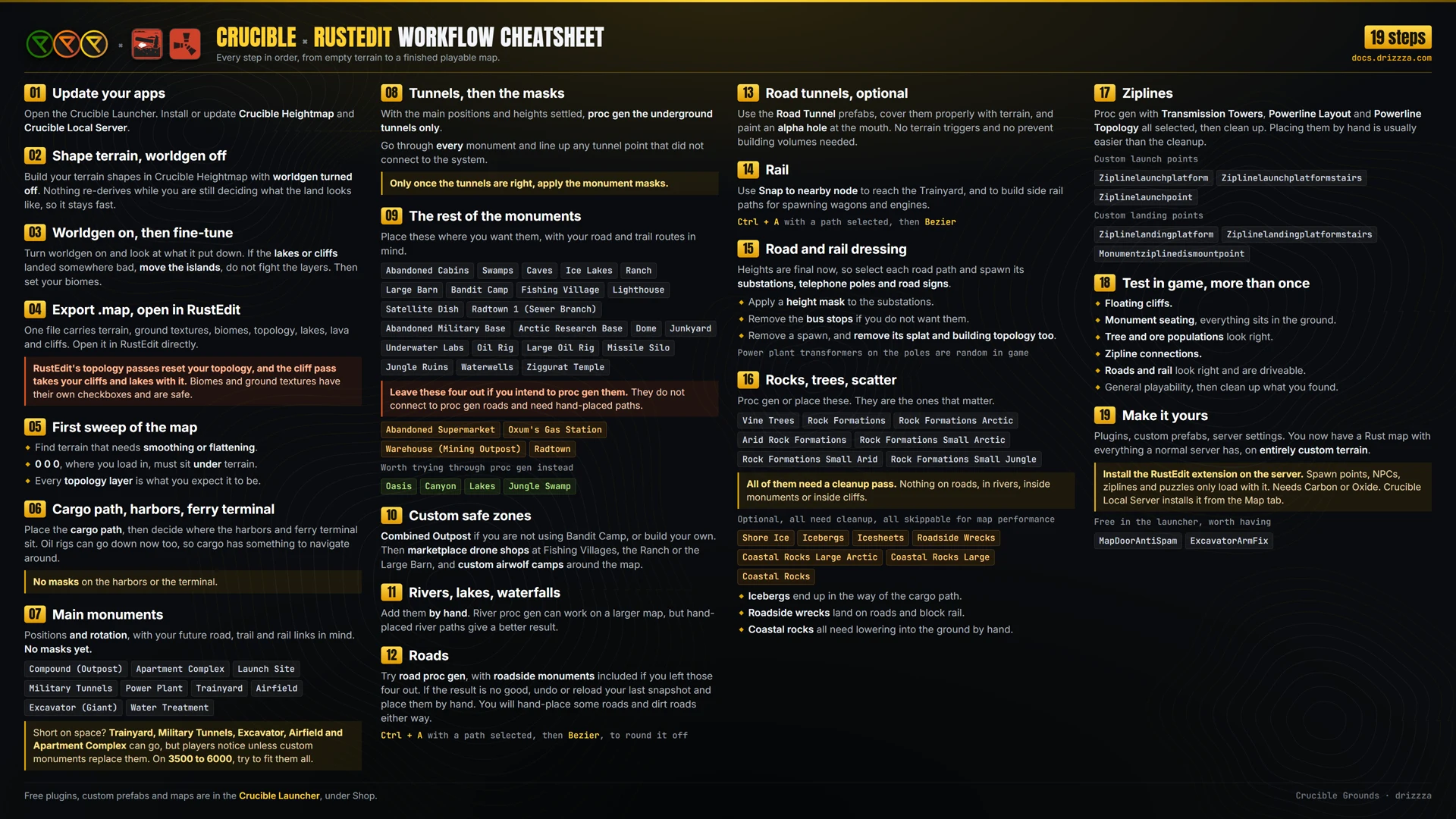
Every step of a full custom map, in the order that works, from terrain through cargo, monuments, tunnels, roads, rail and proc gen. Four screen sizes so it sits beside RustEdit and stays readable. Read it here.
One free Windows app. No account, nothing to buy, and you do not need a licence to use it.
Everything on this page sits under Plugins, Prefabs, Maps and Extras.
Hit Download, choose a folder, and it opens that folder when it is done.
Move or rotate the Giant Excavator on a custom map and its arm ends up in the wrong place. Run the free Excavator Arm Fix by bmgjet on your server and it corrects itself. It needs Carbon or Oxide.
A door placed in RustEdit keeps the collider pose the prefab was built in, because the server never animates it. Map Door Anti-Spam poses it properly, and also stops the door being spam clicked to cancel its animation. It only touches doors placed on the map, never player built ones.
Yes. No account, no purchase, no key. They are handed out through the free Crucible launcher.
Each prefab downloads as a zip holding the prefab file and the image that travels with it. Extract both into your RustEdit CustomPrefabs folder, then place it from the custom prefab list like any other.
No. The prefabs, the plugins, the map and the cheatsheet all stand on their own. Crucible Heightmap is the paid terrain generator and it is separate.
Yes, community servers included. The plugins need Carbon or Oxide. A map that uses custom prefabs also needs the RustEdit extension on the server so its custom data loads, which the free Crucible Local Server installs for you.